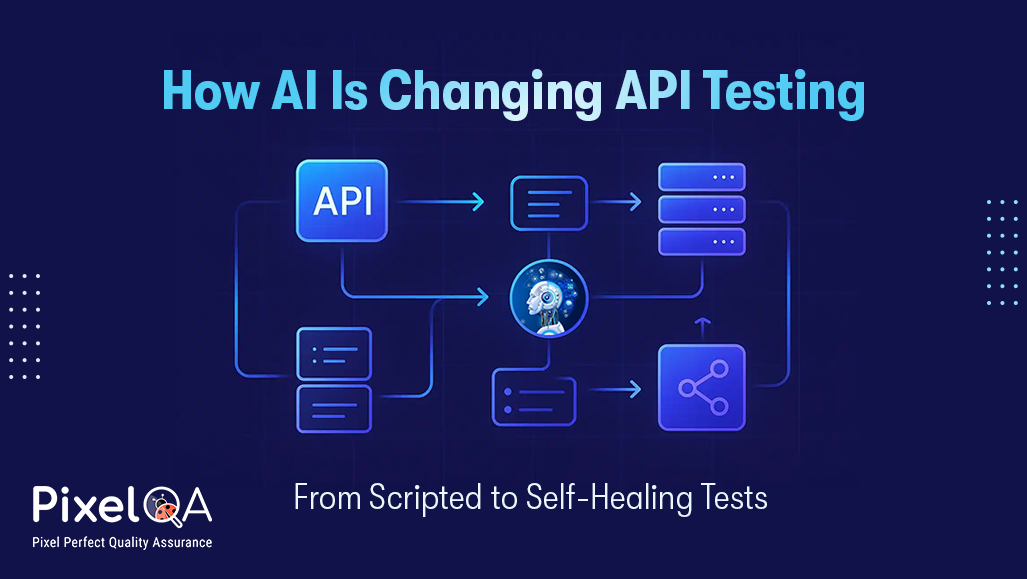
Explore how to test AI APIs effectively. Learn the challenges, testing approaches, best practices, and tools for ensuring reliable, accurate, and ethical AI-powered solutions.
Discover the essentials of API security testing with our comprehensive guide. Learn about common vulnerabilities, best practices, and advanced techniques to ensure your APIs are secure and resilient against threats.
Learn how to write effective API test cases for continuous integration (CI) pipelines. This guide covers tools, best practices, and step-by-step examples to boost software quality.
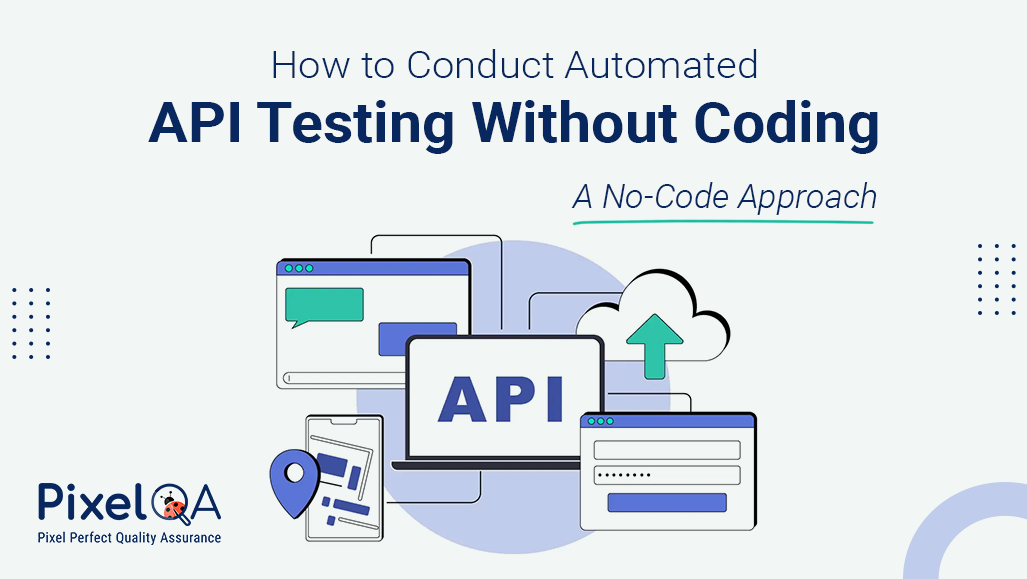
Discover how to automate API testing without writing a single line of code. Learn the benefits, tools, and best practices of no-code API testing for faster, more efficient QA.
API testing ensures smooth software performance by identifying issues early. Learn its benefits, challenges, and best practices through real-world examples.
In this blog, we'll go through the best tools and their capabilities. Whether you're a seasoned developer or just starting out, understanding these tools will empower you to deliver more robust and reliable applications.
Learn why API testing is crucial for microservices architecture. Explore its importance, challenges, types, tools, and best practices to ensure seamless integration.
Learn the importance of API security testing, common risks, and key steps to protect your software from data breaches and ensure safe, reliable applications.
Learn how to measure API response times under heavy load with key metrics, best practices, and top load testing tools like JMeter, Gatling, and k6 to ensure scalability and reliability.
By mastering this tool, you can enhance the accuracy of your API tests, ensuring your applications deliver outstanding performance. With JMeter and the Regular Expression Extractor in your toolkit, you're well on your way to becoming an API Tester and delivering top-notch user experiences.
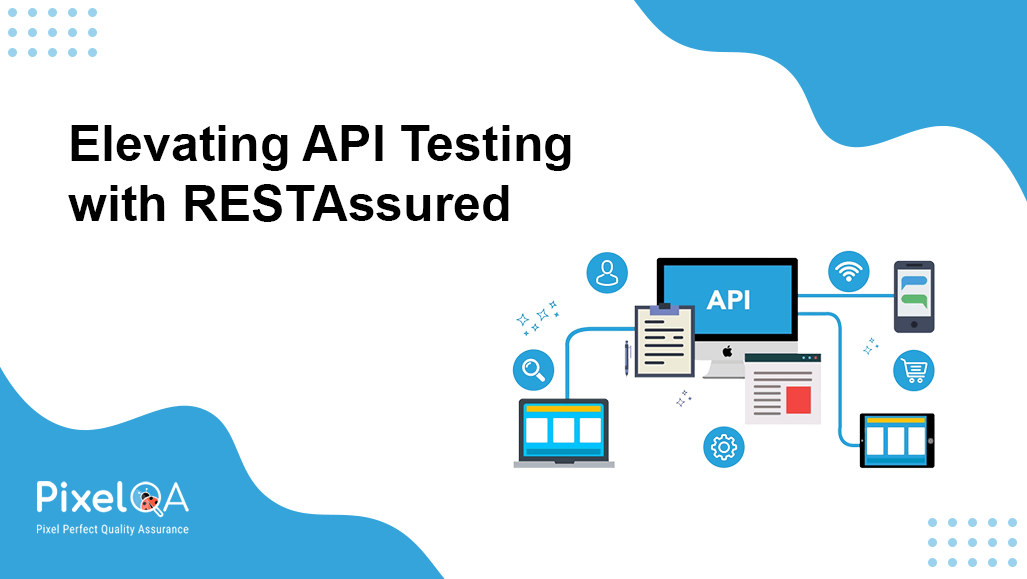
RESTAssured allows developers and testers to create and manage automated API tests easily. We can run any API test cases by updating a JSON file and running the test cases.